Crafts & DIY Basics
Fundamental principles and concepts
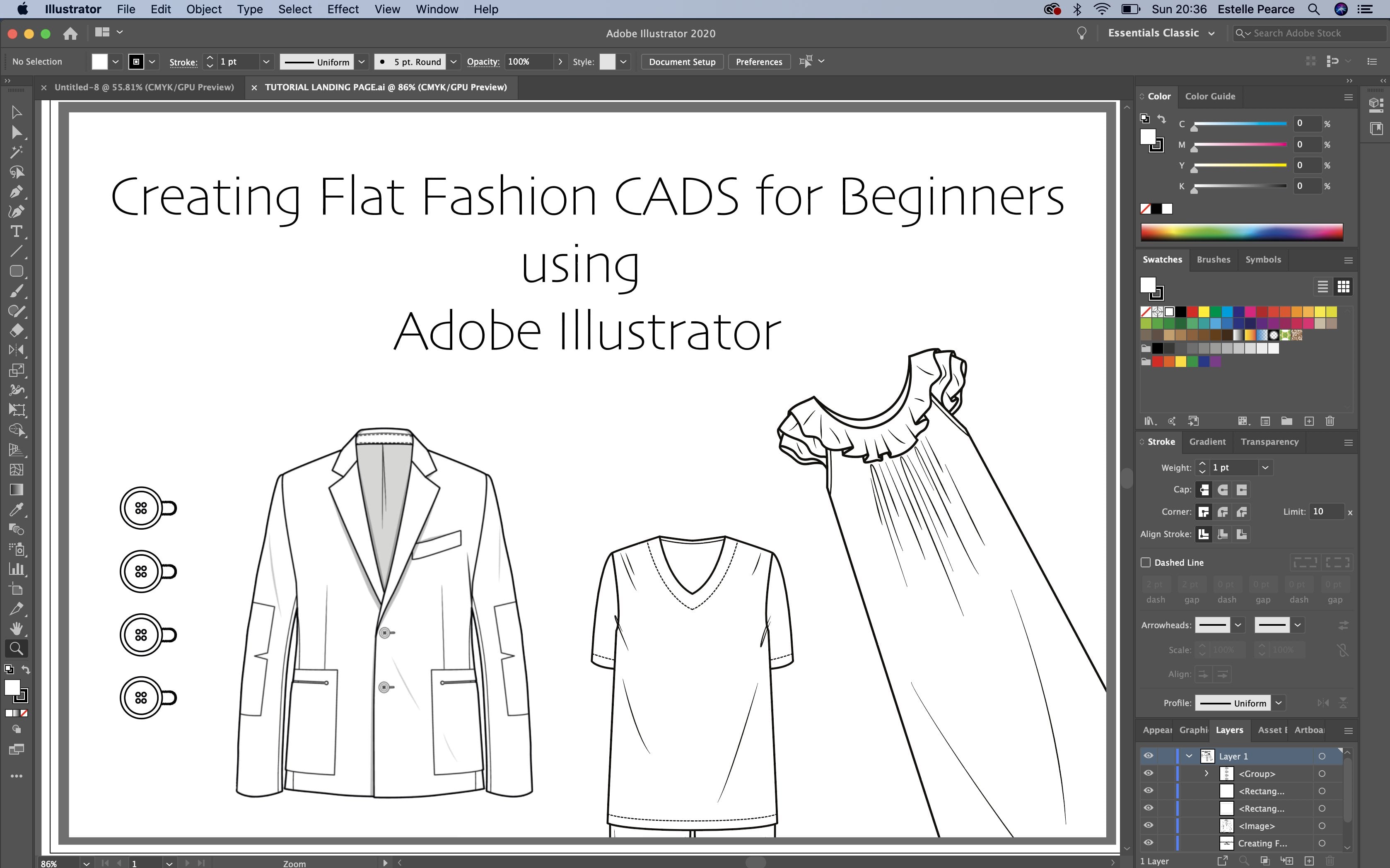
Create flat fashion CAD for beginners using Adobe Illustrator
Unlock creativity with Skillshare! Learn acrylic painting, AI writing, graphic design, and photography.
Why choose Premium?
verifiedGet this course for free with the Coursera Plus subscription.
✓ Compare courses before making a decision
Check Latest Price →Price may vary. Check latest price on provider site.
Course Insight
Suitable for beginner learners. This course serves as an entry point into Crafts & DIY, building foundational knowledge before moving on to advanced frameworks or specialized paths.
Beginner FriendlySelf-Paced Learning
SKILLS TO
MASTER
Practical ApplicationTrending
Real-world project implementationBest Practices
Industry standard workflows and guidelinesCareers:Relevant for professionals pursuing roles within Crafts & DIY.
Quick Facts
Below sections are verified from last major sync. For real-time updates and today's latest lectures, Check official page here.
What You’ll Learn
- Throughout this course you will learn to use Adobe Illustrator to create flat fashion drawings..
- I will introduce you to the basic functions of Illustrator and gradually build your skills; teaching you techniques and short cuts to create interesting and industry standard CAD drawings..
- By the end of this course you will be able to navigate the Illustrator programme with confidence and use some of the key tools required in creating flat fashion CAD..
- Throughout this introductory course it would be good to practice your new skills and for this I have included a pen tool exercise sheet to aid you in becoming more confident with the pen tool..
- I have also included a Vest Shape template and a Mannequin template which can be used for the course..
- Getting to grips with the quick keys will aid in becoming quicker in your design work; I have included the Adobe Illustrator quick keys reference sheets for your use. Please note there's Mac and a Windows PC version to choose from..
See side-by-side differences in what you’ll learn
Description
Estelle Introduction
Introduction to Adobe Illustrator
Workspace
Saving your work
Creating and manipulating object and layers in Adobe Illustrator
Duplicating objects
Creating Text
Using the Pen Tool
Pen Tool Adding and deleting anchor points and creating curves
Creating your first shape Vest Shape
Creating your first shape Vest Details Layer
Create a front and back skirt
Button and Button Hole
Guides & Rulers
T-Shirt (Part 1)
T-Shirt (Part 2) Further Details
See how this course compares with alternatives
FAQs
Reviews
⭐4.7 / 5 average rating from 0+ learners
View detailed reviews on Skillshare →Unsure about these reviews? Compare with other top courses
⭐ 0(0+ learners)