Crafts & DIY Basics
Fundamental principles and concepts
Digital Paper Quilling in Procreate
Unlock creativity with Skillshare! Learn acrylic painting, AI writing, graphic design, and photography.
Why choose Premium?
verifiedGet this course for free with the Coursera Plus subscription.
✓ Compare courses before making a decision
Check Latest Price →Price may vary. Check latest price on provider site.
Course Insight
Designed for advanced/expert practitioners. Designed for experienced practitioners. We recommend having a solid grasp of Crafts & DIY fundamentals before starting this specialization.
Advanced LevelSelf-Paced LearningProject-Based
SKILLS TO
MASTER
Practical ApplicationTrending
Real-world project implementationBest Practices
Industry standard workflows and guidelinesCareers:Relevant for professionals pursuing roles within Crafts & DIY.
Quick Facts
Below sections are verified from last major sync. For real-time updates and today's latest lectures, Check official page here.
What You’ll Learn
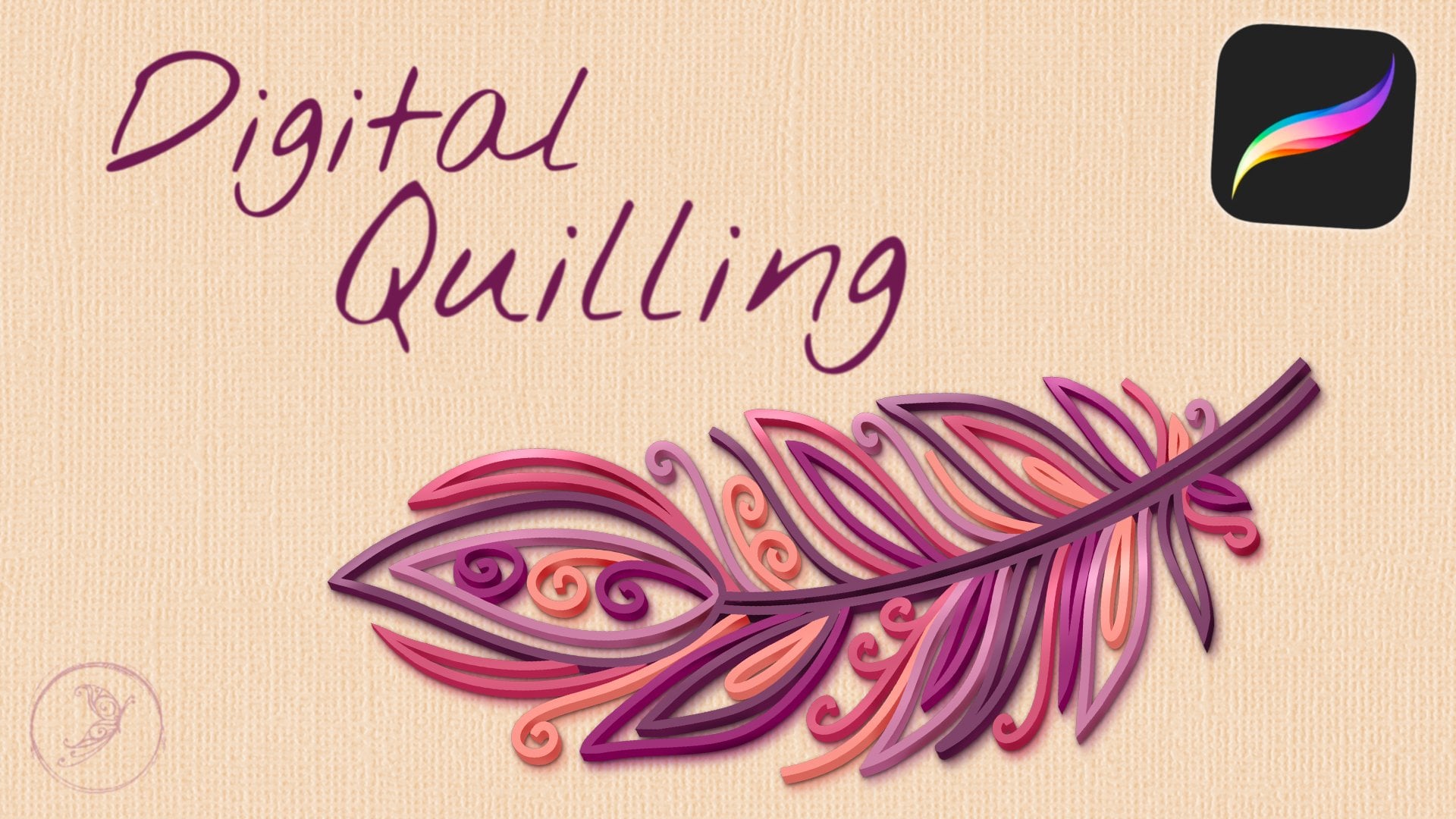
- Paper quilling has gone digital! No need to worry about paper strips, glue, tweezers, or sore fingers when you want to create beautiful 3D artwork in this unique style. Join me in class to learn how to create digital paper quilling artwork in Procreate!.
- In this class, you’re going to learn the basic technique for creating 3D digital quilling art in Procreate, and then we’ll work through a full design together. After you complete the main part of the class, you’ll be able to take what you’ve learned and create your own unique artwork to share via email or on your social accounts..
- .
- What you’ll learn.
- .
- Is this class for me?.
- Newbies and seasoned artists will enjoy this class and the project can be adapted to any skill level. To succeed in this class, you should have a basic working knowledge of your iPad and Procreate, but we’ll be walking through each step of the process along the way. You’ll learn some tips and shortcuts as you watch my workflow..
- .
- Materials & Resources.
- For this class, you’ll need an iPad with Procreate, and I recommend using an Apple Pencil or other stylus, especially for any detailed work. The class includes a Resource Kit with a sketch template, quilling shape guide, color palette, and a set of Procreate brushes. You’ll also receive a link to my Pinterest inspiration board. You can get the Resources HERE..
- Let’s get started!.
- The sky’s the limit with these designs…once you get the hang of the technique, you’ll be able to think of a multitude of uses for this (Pinterest is a great resource for inspiration!). These designs are so unique and fun! I can’t wait to see what YOU create, so make sure that you share your designs in the Projects area of the class..
See side-by-side differences in what you’ll learn
Description
Introduction
Resources
Class Project
Quilling History
DigiQuill Process
Setup and Best Practices
Sketching
Outlines
DigiQuill 3D Effect
Final Details
Sharing Your Art
Thank You
See how this course compares with alternatives
FAQs
Reviews
⭐4.7 / 5 average rating from 0+ learners
View detailed reviews on Skillshare →Unsure about these reviews? Compare with other top courses
⭐ 0(0+ learners)