Creative Career Basics
Fundamental principles and concepts
Fun with Illustrations and Photos using Procreate
Unlock creativity with Skillshare! Learn acrylic painting, AI writing, graphic design, and photography.
Why choose Premium?
verifiedGet this course for free with the Coursera Plus subscription.
✓ Compare courses before making a decision
Check Latest Price →Price may vary. Check latest price on provider site.
Course Insight
Suitable for intermediate learners. Works well as a continuation after mastering Creative Career fundamentals. It bridges the gap toward advanced, production-level engineering.
Intermediate FriendlySelf-Paced Learning
SKILLS TO
MASTER
Practical ApplicationTrending
Real-world project implementationBest Practices
Industry standard workflows and guidelinesCareers:Relevant for professionals pursuing roles within Creative Career.
Quick Facts
Below sections are verified from last major sync. For real-time updates and today's latest lectures, Check official page here.
What You’ll Learn
- Hi and welome to my new Skillshare Class on having Fun with Illustrations and photos using Procreate. Make sure you read all of the description below before starting the class..
- Before you start this class I will tell you that this is not a class about illustrating itself although you will find several walk throughs of my illustrations and my workflow as well..
- In this class I will show you my way of mixing illustrations with photos I took myself in in my everyday life. For these photos I’ve been using the camera of my iPhone so nothing really fancy.I will also use my iPad with the app Procreate and and apple pencil. (But if you are using a different drawing programm you can also join but you have to adapt it to your own system)..
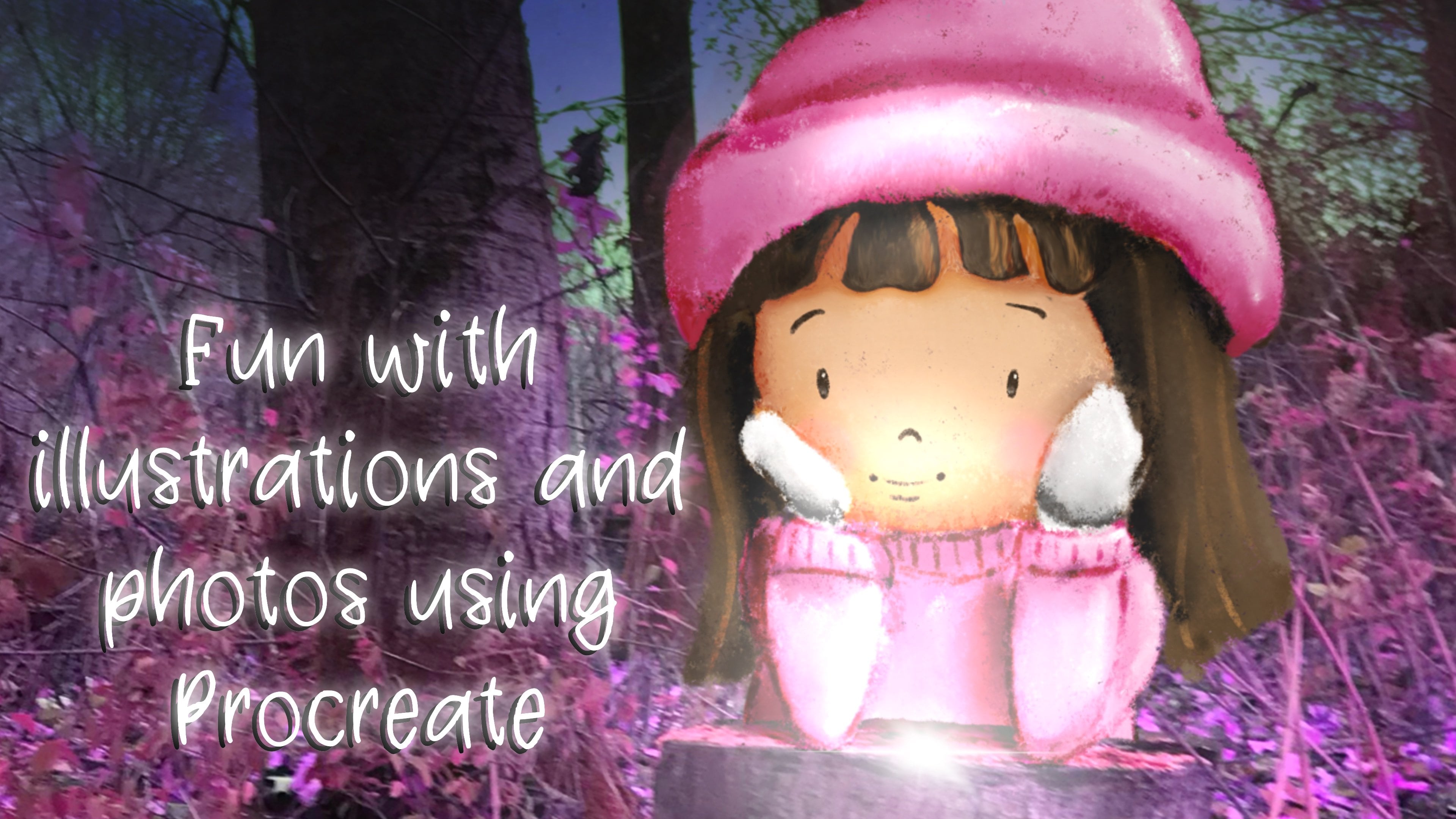
- I will teach you on how to import a photo into Procreate and how you can make changes to make your photo look more interesting or even magical. Once you are happy with the photo as a background it’s time to incorporate your illustration (either premade or draw inside the canvas itself)..
- I will show you how the layer mask will work and why it’s best to use it for this process and workflow.I will also teach you and what else to look for to really incorporate the illustration on order to get a more 'realistic’ picture. And I will take you through that process step by step.And of course, since we are creating our own magical reality here, we can add moonlight, stars and glowing objects to our own liking. Wouldn’t it be fun to show your children, grandchildren, nieces of nephews a little made up fairytale which can take place in their own environment? After this class you know how to do that ;).
- Because this is not a class about procreate itself a little bit knowledge about the app procreate would be welcome..
See side-by-side differences in what you’ll learn
Description
Intro
From Photo to Magical Background
Two ways of getting your drawing in to the picture
The explaining of and working with Layer Mask
Adding Moonlight, Highlights and Shadows
Adding a glowing Firefly
Getting rid of unwanted shadow using the clone tool
Dealing with complicated shadow using Warp Advanced Mesh
A quick and fun little bonus
A walk through with Prince Charming
Adding Glow with Bloom and two more different settings
Thank you for watching
See how this course compares with alternatives
FAQs
Reviews
⭐4.7 / 5 average rating from 0+ learners
View detailed reviews on Skillshare →Unsure about these reviews? Compare with other top courses
Top Alternatives
Highly-rated courses worth your attention


⭐ 0(0+ learners)