Creative Career Basics
Fundamental principles and concepts
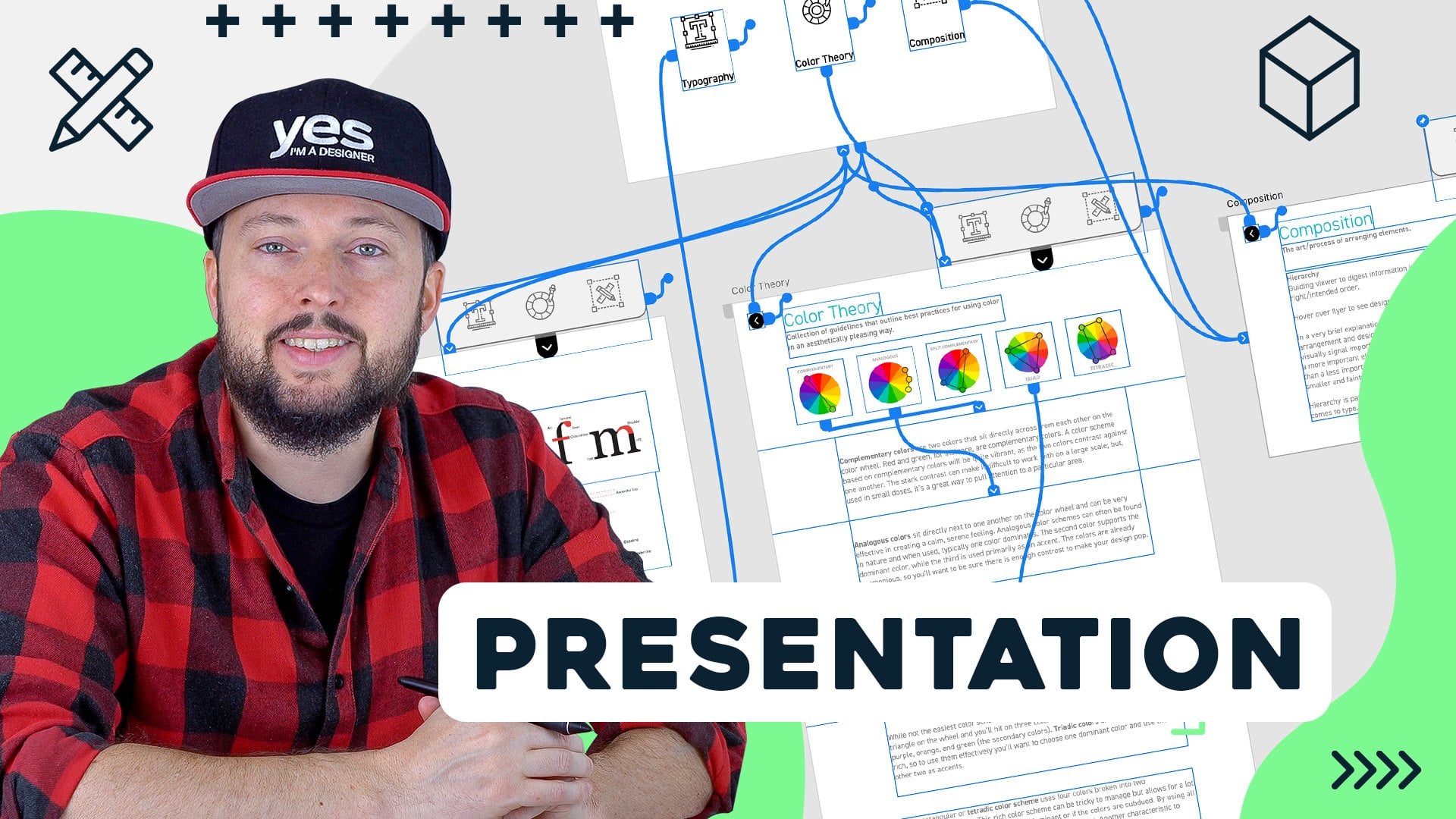
Presentation Design with Adobe Xd
Unlock creativity with Skillshare! Learn acrylic painting, AI writing, graphic design, and photography.
Why choose Premium?
verifiedGet this course for free with the Coursera Plus subscription.
✓ Compare courses before making a decision
Check Latest Price →Price may vary. Check latest price on provider site.
Course Insight
Suitable for beginner learners. This course serves as an entry point into Creative Career, building foundational knowledge before moving on to advanced frameworks or specialized paths.
Beginner FriendlySelf-Paced LearningProject-Based
SKILLS TO
MASTER
Practical ApplicationTrending
Real-world project implementationBest Practices
Industry standard workflows and guidelinesCareers:Relevant for professionals pursuing roles within Creative Career.
Quick Facts
Below sections are verified from last major sync. For real-time updates and today's latest lectures, Check official page here.
What You’ll Learn
- Would you like to know how to design engaging and interactive presentations with Adobe XD? Learn about the process, theory, techniques and test your skills by working on the class project!.
- Join Martin Perhiniak (Graphic Designer and Adobe Certified Instructor) and learn his workflow and best practices he developed over 20 years working as a creative professional for clients like BBC, Mattel, IKEA, Google, Pixar, Adobe..
- In this class you'll learn:.
- Who this class is for?.
- What you will need?.
- Even if you’re new to designing presentations or using Adobe applications, you’ll find the simple and effective techniques discussed in this course easy to use and apply to your work!.
See side-by-side differences in what you’ll learn
Description
Introduction Presentation Design
Main Interactions
Create Hover Effect
Custom keyboard shortcuts
Connecting the Slides
Components
Anchor Links
Conclusion
See how this course compares with alternatives
FAQs
Reviews
⭐4.7 / 5 average rating from 0+ learners
View detailed reviews on Skillshare →Unsure about these reviews? Compare with other top courses
Top Alternatives
Highly-rated courses worth your attention


⭐ 0(0+ learners)