Creative Career Basics
Fundamental principles and concepts
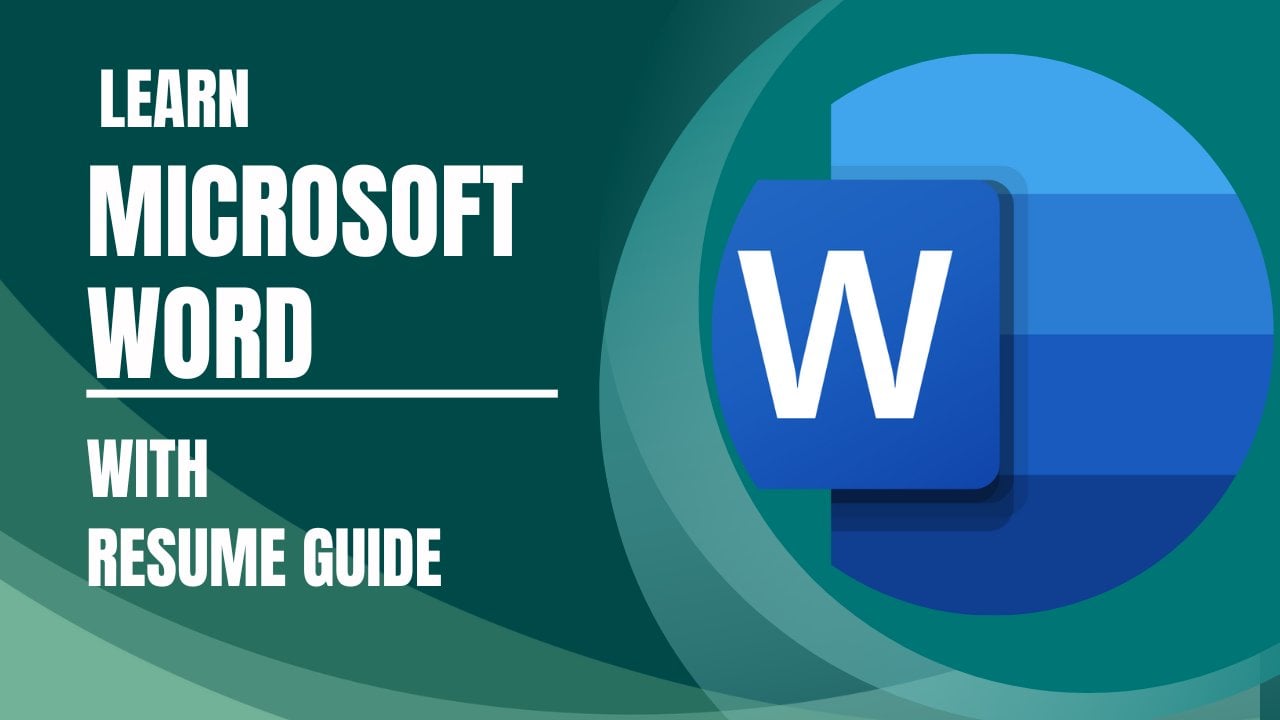
Essential Microsoft Word With Resume Guide
Unlock creativity with Skillshare! Learn acrylic painting, AI writing, graphic design, and photography.
Why choose Premium?
verifiedGet this course for free with the Coursera Plus subscription.
✓ Compare courses before making a decision
Check Latest Price →Price may vary. Check latest price on provider site.
Course Insight
Designed for advanced/expert practitioners. Designed for experienced practitioners. We recommend having a solid grasp of Creative Career fundamentals before starting this specialization.
Advanced LevelSelf-Paced LearningProject-Based
SKILLS TO
MASTER
Practical ApplicationTrending
Real-world project implementationBest Practices
Industry standard workflows and guidelinesCareers:Relevant for professionals pursuing roles within Creative Career.
Quick Facts
Below sections are verified from last major sync. For real-time updates and today's latest lectures, Check official page here.
What You’ll Learn
- Hello everyone welcome to our class of Microsoft Word essential tutorial for learning to make professional-quality documents, letters, reports so if you are planning to learn to make professional-quality documents, letters, reports than you are in right place because in this class we will cover everything to get you started with Microsoft Word..
- Lets take a look what you will learn from this class:.
- .
- After completing this class you will be able to:.
- - Know the basic navigation.
- - Learn text formatting.
- - Learn Document creation.
- - Understand about editing tools.
- - Learn about styles and themes.
- - Use Images and Shapes.
- - Set up your page and Print .
- This is a project based class so during learning you will have class project. So what you learned you will be able to participate in class project and you can do practice while you are learning. You will have supporting resources in this class so it will be easier for you to learn..
- During learning if you face any issue or if you have any question than feel free to ask me I am always there for you to help you. So lets start learning Microsoft Word for learning to make professional-quality documents, letters, cv, reports together..
See side-by-side differences in what you’ll learn
Description
Introduction
Starting of Microsoft Word
Creating up a new document
Understanding about text formatting
Alignment in document
Numbering and bullets
Text background colour and borders
Understanding about tables
Merging and splitting tables and inserting cells
Using images
Making a watermark
Inserting and editing shapes
Page setup and printing
Making Resume
Class Project 1 - Using text warp option
Class Project 2 - Creating watermark
See how this course compares with alternatives
FAQs
Reviews
⭐4.7 / 5 average rating from 0+ learners
View detailed reviews on Skillshare →Unsure about these reviews? Compare with other top courses
Top Alternatives
Highly-rated courses worth your attention


⭐ 0(0+ learners)