Crafts & DIY Basics
Fundamental principles and concepts
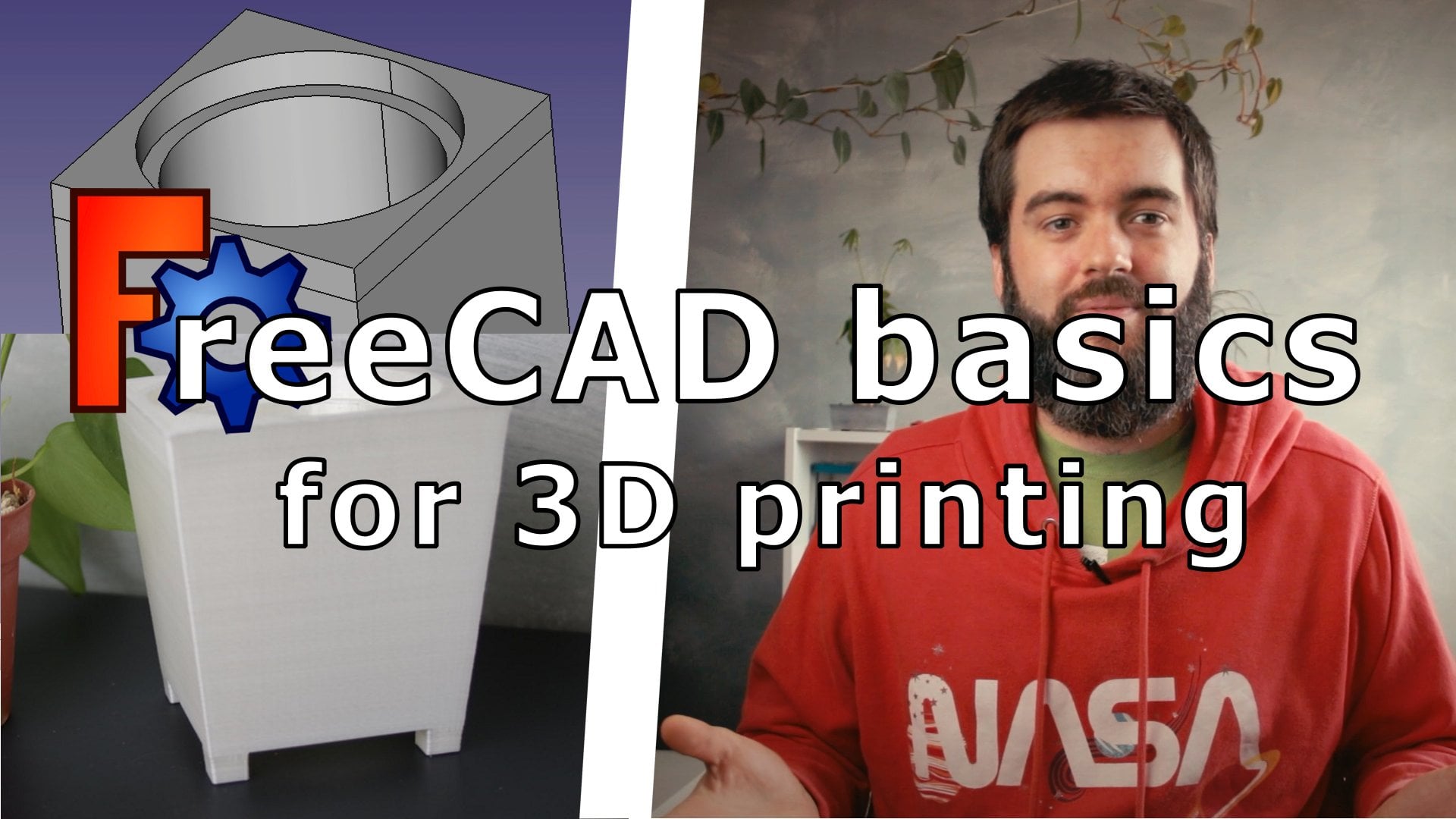
FreeCAD Basics for 3D printing - Design your own plant pot
Unlock creativity with Skillshare! Learn acrylic painting, AI writing, graphic design, and photography.
Why choose Premium?
verifiedGet this course for free with the Coursera Plus subscription.
✓ Compare courses before making a decision
Check Latest Price →Price may vary. Check latest price on provider site.
Course Insight
Suitable for beginner learners. This course serves as an entry point into Crafts & DIY, building foundational knowledge before moving on to advanced frameworks or specialized paths.
Beginner FriendlySelf-Paced LearningProject-Based
SKILLS TO
MASTER
Practical ApplicationTrending
Real-world project implementationBest Practices
Industry standard workflows and guidelinesCareers:Relevant for professionals pursuing roles within Crafts & DIY.
Quick Facts
Below sections are verified from last major sync. For real-time updates and today's latest lectures, Check official page here.
What You’ll Learn
- What it the class about?.
- During this class, you will learn how to take measurements with a calliper and design a custom 3D printable plant pot using 3D solid primitives and operations..
- To design the pot, we will be using the free computer assisted design software FreeCAD to design a pot fitted to your needs..
- We will address the 3D printing constraints: overhang, maximum slope, bridges, tolerances...; and we will learn how to compose with these in our design planning process..
- Finally, we will generate a 3D model STL file to be used in the 3D printing process..
- Who is the class for?.
- Anyone who want to learn 3D constructive solid geometry modeling in order to design simple 3D printable objects..
- Why is the class useful?.
- Nowadays, 3D printing is a powerful tool to fast build custom and cheap objects. Learning how to design your own objects is a powerful knowledge if you are interested in interior design, repairing broken objects or creating custom tools for specific needs. .
- FreeCAD is a powerful free software designed to help you create mechanical 3D models. With this course you will learn how to use it to build your own models or customize other models to your needs..
- Materials / Resources?.
- You will need to install FreeCAD software from https://www.freecadweb.org ..
- A pencil and some paper..
- If you want to build a plant pot fitted to you own pot, you will need a measurement tool (calliper, ruler…)..
- My Thingiverse Maker page : https://www.thingiverse.com/wolvilataniere/designs.
See side-by-side differences in what you’ll learn
Description
Introduction
Class Project
Designing The Pot
Setting The Dimensions
FreeCAD Layout And Navigation
Creating Basic Shapes
Planning The Construction
Building The Pot
Exporting
Bonus - Creating advanced shapes
Conclusion
See how this course compares with alternatives
FAQs
Reviews
⭐4.7 / 5 average rating from 0+ learners
View detailed reviews on Skillshare →Unsure about these reviews? Compare with other top courses
⭐ 0(0+ learners)