Creative Career Basics
Fundamental principles and concepts
Illustration Roadtrip: Unlock Your Creative Confidence with Procreate & Adobe Photoshop
Unlock creativity with Skillshare! Learn acrylic painting, AI writing, graphic design, and photography.
Why choose Premium?
verifiedGet this course for free with the Coursera Plus subscription.
✓ Compare courses before making a decision
Check Latest Price →Price may vary. Check latest price on provider site.
Course Insight
Suitable for intermediate learners. Works well as a continuation after mastering Creative Career fundamentals. It bridges the gap toward advanced, production-level engineering.
Intermediate FriendlySelf-Paced LearningProject-Based
SKILLS TO
MASTER
Practical ApplicationTrending
Real-world project implementationBest Practices
Industry standard workflows and guidelinesCareers:Relevant for professionals pursuing roles within Creative Career.
Quick Facts
Below sections are verified from last major sync. For real-time updates and today's latest lectures, Check official page here.
What You’ll Learn
- Imagine receiving an email asking you to create illustrations with a quick turnaround deadline. How would you handle that exciting commission? In this class, you'll gain the confidence to tackle illustration assignments and create stunning artworks for your portfolio. Master techniques in Procreate and Photoshop, efficiently develop your visual ideas, and boost your creativity with AI. If you want to learn advanced rendering techniques, illustrate and bring to life irregular shapes, draw hands and stylized characters, we’ll cover all that and more in the following lessons..
- The class is great for artists with prior experience in Procreate and Adobe Photoshop who want to expand their knowledge and use of these powerful tools for illustration projects..
- Your course teacher, Yifat Fishman is a North Texas based artist and illustrator who specializes in portraits and expressive compositions with a focus on storytelling. Her experience with tight turnaround projects comes from creating large-scale murals displayed in Walmart stores. Drawing from her expertise you’ll learn how to efficiently manage your time while still delivering high-quality, impactful artwork..
- You will learn to:.
- Key Class Lessons:.
See side-by-side differences in what you’ll learn
Description
Introduction
Your Project Brief
Beyond The Brief
Ideation: Getting in The Creative Flow
Sketching: Creating Visual Concepts
Start to Finish: Project Presentation
Essentials 01: Pen Tool Fundamentals
Essentials 02: Color Blocking
Essentials 03: Fundamentals of Rendering
Essentials 04: Styling with Geometrical Shapes
Dimensions and Definitions in Odd Shapes
Create a Narrative with Your Art
Illustrate Hands: Bringing Your Ideas to Life
Infographics: Basics, Tips & Techniques
Illustrating Stylized Characters: Color Blocking
Illustrating Stylized Characters: Textures and Shading
Illustrating Stylized Characters: Details and Scene
Final Thoughts
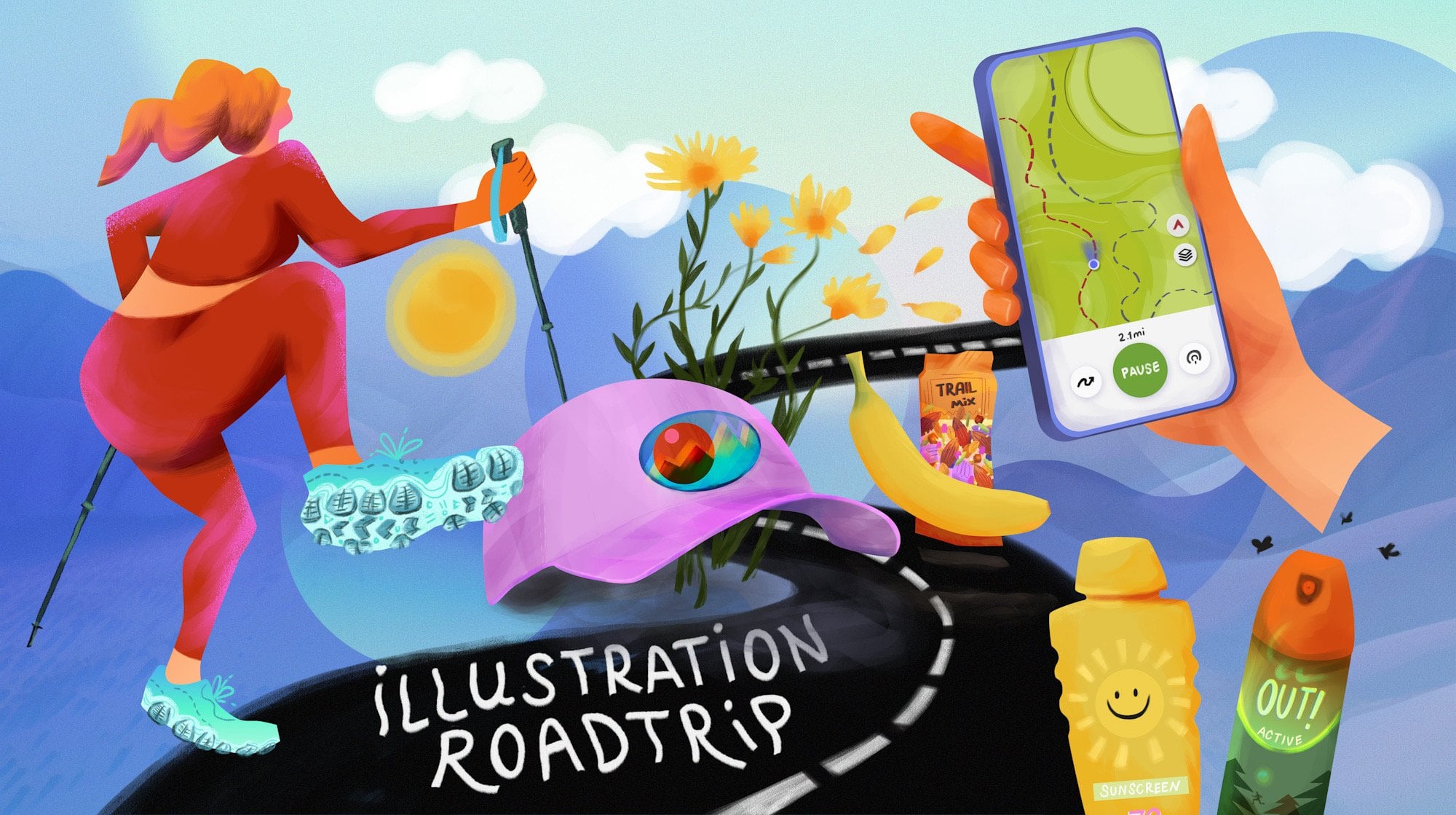
Bonus Art Process: Illustrating Sunscreen & Bugspray
See how this course compares with alternatives
FAQs
Reviews
⭐4.7 / 5 average rating from 0+ learners
View detailed reviews on Skillshare →Unsure about these reviews? Compare with other top courses
Top Alternatives
Highly-rated courses worth your attention


⭐ 0(0+ learners)