Creative Career Basics
Fundamental principles and concepts
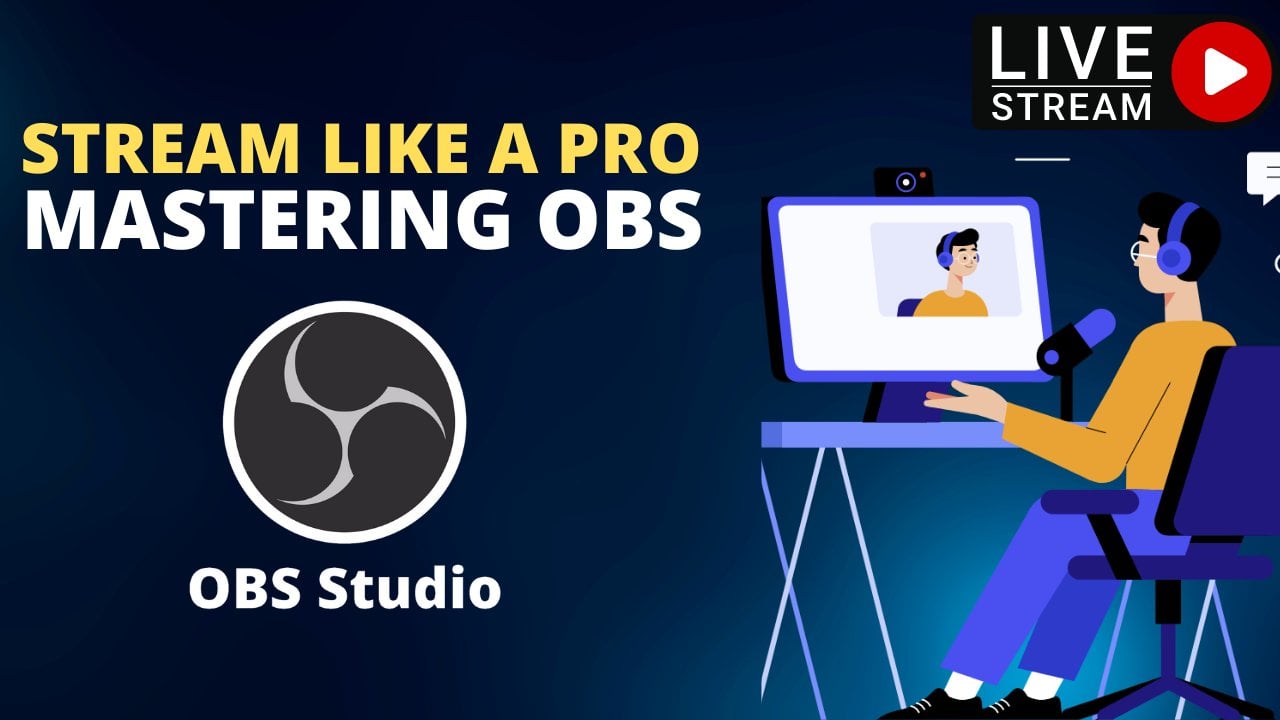
Stream like a Pro: Mastering OBS for Live Streaming
Unlock creativity with Skillshare! Learn acrylic painting, AI writing, graphic design, and photography.
Why choose Premium?
verifiedGet this course for free with the Coursera Plus subscription.
✓ Compare courses before making a decision
Check Latest Price →Price may vary. Check latest price on provider site.
Course Insight
Suitable for beginner learners. This course serves as an entry point into Creative Career, building foundational knowledge before moving on to advanced frameworks or specialized paths.
Beginner FriendlySelf-Paced Learning
SKILLS TO
MASTER
Practical ApplicationTrending
Real-world project implementationBest Practices
Industry standard workflows and guidelinesCareers:Relevant for professionals pursuing roles within Creative Career.
Quick Facts
Below sections are verified from last major sync. For real-time updates and today's latest lectures, Check official page here.
What You’ll Learn
- Stream like a Pro: Mastering OBS for Live Streaming is a comprehensive course designed for individuals who want to take their streaming skills to the next level. This course covers everything from setting up your streaming environment to advanced tips and tricks for creating high-quality, professional-looking broadcasts..
- In this course, you will learn how to use Open Broadcaster Software (OBS) to create a professional-grade streaming setup, no matter what your budget or equipment. You will learn how to set up and optimize your stream, including how to add sources, scenes, and transitions, as well as how to use filters and effects to enhance your stream..
- You will also learn advanced techniques for creating engaging content, such as how to use overlays, green screens, and other visual elements to make your stream stand out. You will also learn how to use OBS's built-in audio and video encoding options to create high-quality broadcasts that look and sound great..
- By the end of this course, you will have the skills and knowledge to create professional-grade streams that will impress your viewers and help you grow your audience. Whether you're a beginner or an experienced streamer, this course will help you take your streaming skills to the next level..
See side-by-side differences in what you’ll learn
Description
Class introduction
Introduction about live streaming
Need of live streaming
Advantages of live streaming
downloading obs studio and installing
Overview of obs studio user interface
Working with scenes and sources in obs studio
Audio mixer and volume controls
Scene transition and custom scene transitions
Save profile in obs
Production controls in obs studio
Obs studio settings
Capturing any window and recording
Facebook live with obs
Instagram live with obs
Multistream to 30 platforms simultaneously
Twitch live game streaming
Youtube live stream with obs
Production online lecture using obs
Mobile mirroring on obs
Offline game capturing with obs studio
Online game capturing with obs
Conclusion
See how this course compares with alternatives
FAQs
Reviews
⭐4.7 / 5 average rating from 0+ learners
View detailed reviews on Skillshare →Unsure about these reviews? Compare with other top courses
Top Alternatives
Highly-rated courses worth your attention
⭐ 0(0+ learners)