Creative Career Basics
Fundamental principles and concepts
You are the Story: Create a Personal Video Portrait for Social Media
Unlock creativity with Skillshare! Learn acrylic painting, AI writing, graphic design, and photography.
Why choose Premium?
verifiedGet this course for free with the Coursera Plus subscription.
✓ Compare courses before making a decision
Check Latest Price →Price may vary. Check latest price on provider site.
Course Insight
Suitable for beginner learners. This course serves as an entry point into Creative Career, building foundational knowledge before moving on to advanced frameworks or specialized paths.
Beginner FriendlySelf-Paced LearningProject-Based
SKILLS TO
MASTER
Practical ApplicationTrending
Real-world project implementationBest Practices
Industry standard workflows and guidelinesCareers:Relevant for professionals pursuing roles within Creative Career.
Quick Facts
Below sections are verified from last major sync. For real-time updates and today's latest lectures, Check official page here.
What You’ll Learn
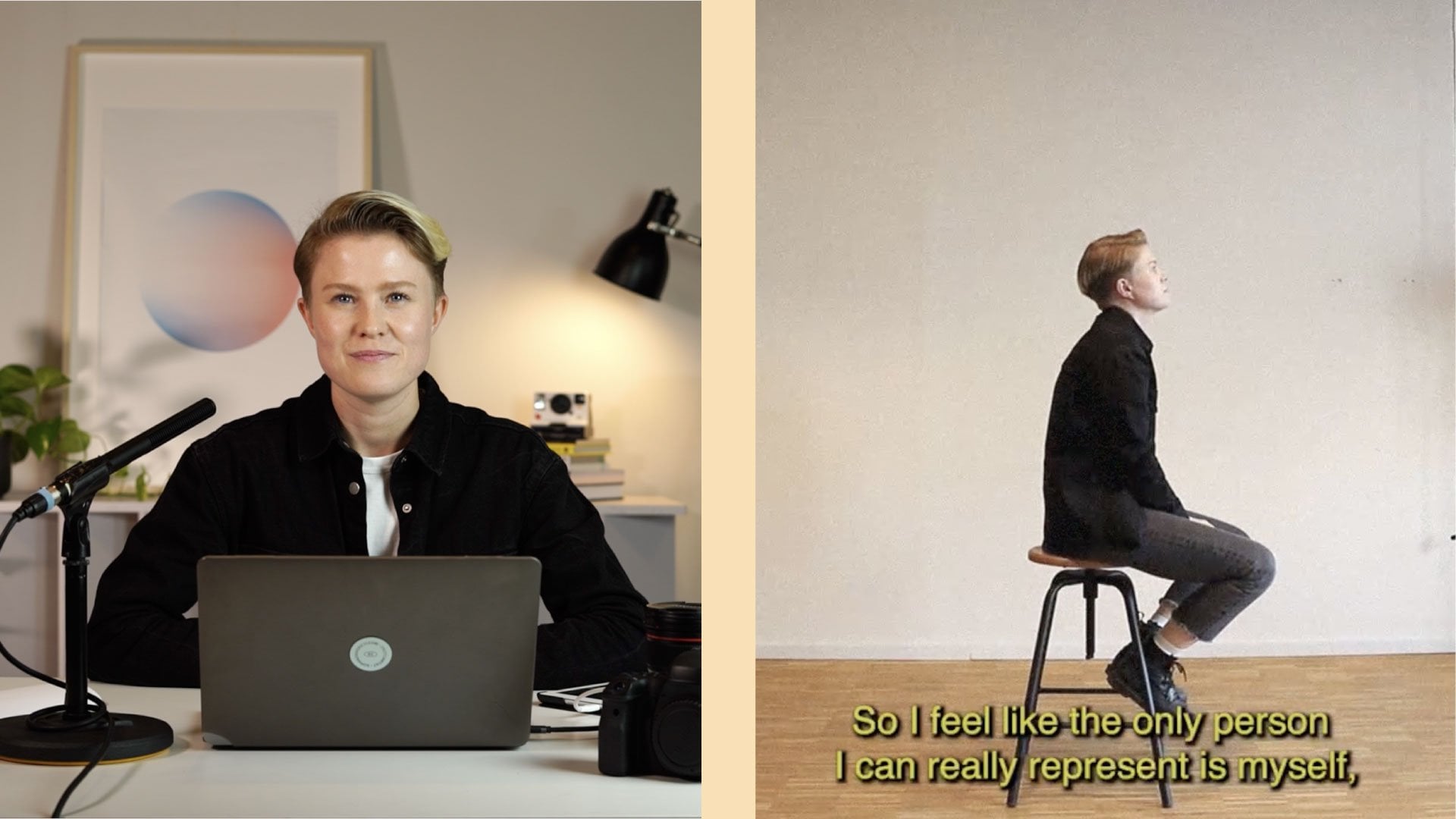
- The class is about creating a video that showcases YOU while teaching you the fundamentals about pre-production, filming and editing with Premiere Pro. .
- The focus will be on shooting and editing, as well as using the medium of video to reflect yourself and inspire others to do the same. We will work on a 1-Minute video self-portrait which is perfect for social media. Students will get guidelines, but also freedom to interpret the class project in their own way. .
- You will learn : .
- This class is mostly for beginners or people that want to experiment with videography. Students can use any kind of camera, even a smart phone will do (since most of them have incredible cameras anyway). .
- Through the class people will learn the production process from planning to publishing and hopefully also something about themselves..
See side-by-side differences in what you’ll learn
Description
Introduction
Class Project
You Are the Story
Finding Inspiration
Planning the Shoot
Shooting the Video
First Steps Editing with Premiere Pro
Adding Movement
Creating the Vintage Look
Editing the Audio
Creating Subtitles
Export for Social Media
My Video
Final Thoughts
See how this course compares with alternatives
FAQs
Reviews
⭐4.7 / 5 average rating from 0+ learners
View detailed reviews on Skillshare →Unsure about these reviews? Compare with other top courses
Top Alternatives
Highly-rated courses worth your attention

⭐ 0(0+ learners)