
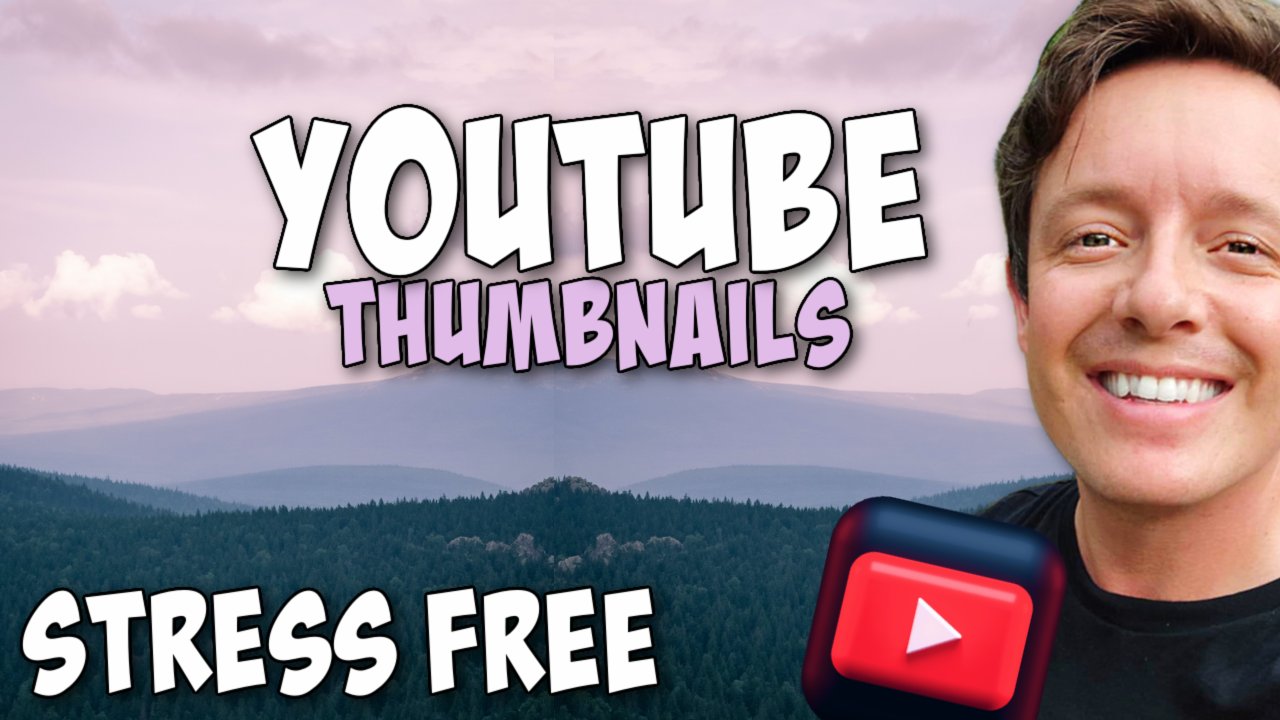
YouTube Thumbnail Masterclass: Using PicMonkey
Unlock creativity with Skillshare! Learn acrylic painting, AI writing, graphic design, and photography.
Beginner FriendlySelf-Paced Learning
Subscription (Free Trial Available)
✓ Compare courses before making a decision
Check Latest Price →Price may vary. Check latest price on provider site.
🧠 Recommended for beginners
⚠ Not ideal for advanced users
Learning Journey Context
This course serves as an entry point into Creative Career, building foundational knowledge before moving on to advanced frameworks or specialized paths.
Career Relevance
Relevant for professionals pursuing roles within Creative Career.
Quick Facts
23 minutes
SkillShare
Beginner
Self-Paced Online
Online Course
skillshare
English
Below sections are verified from last major sync. For real-time updates and today's latest lectures, Check official page here.
What You’ll Learn
Class Outline
Let's Make a Thumbnail Together
See how this course curriculum compares with alternatives
Outcomes
- Course Goal - Let's breakdown the professional yet easy to use software of Picmonkey, a web based program that lets me create fantastic and professional thumbnails..
- Aims and Objectives.
- To teach you the the basics of the software: what the key features and effects that you have at your finger tips are and how to implement them..
- Learn and follow along as we make YouTube Thumbnails together..
See side-by-side differences in learning outcomes
FAQs
Reviews
⭐4.7 / 5 average rating from 0+ learners
View detailed reviews on Skillshare →Unsure about these reviews? Compare with other top courses
Top Alternatives
Highly-rated courses worth your attention
⭐ 0(0+ learners)
✓ Compare side-by-side before spending money
Price may vary. Check latest price on provider site.
🧠 Recommended for beginners
⚠ Not ideal for advanced users